
How to place an order
Add items from the catalog. Non-stock (how to determine) JIT, SUR, Direct Ship.

Password & Notifications
This video will show you to how to reset your password and adjust notifications.
K360 Support
K360 Support
The following tutorials will help you in navigating the K360 ordering platform.

Create custom guide
Learn how to create a custom guide.

Edit custom guide
Learn how to edit a custom guide.

Order history
How to view your order history.

Navigating the K360 Order Desk AI Tool
Learn how to navigate the Order Desk AI tool.
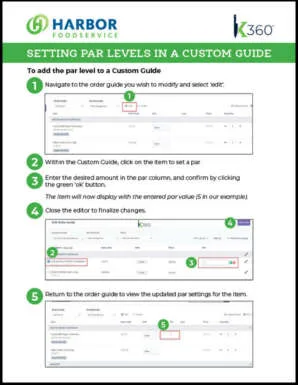
Par levels in a custom guide
Here you will learn how to set par levels in a custom guide.
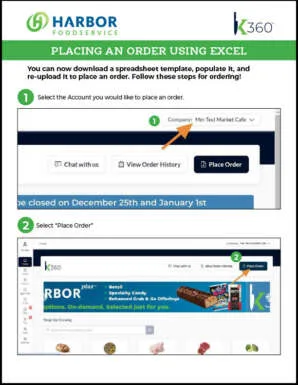
Place an order with Excel
Here you will learn how to use Excel and upload an order.
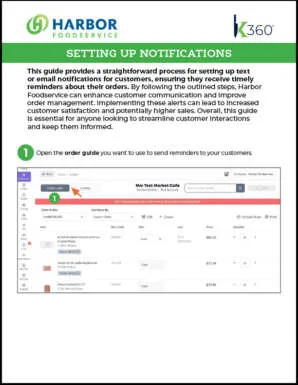
Setting up notifications
Here you will learn how to set up Email or text notifications.
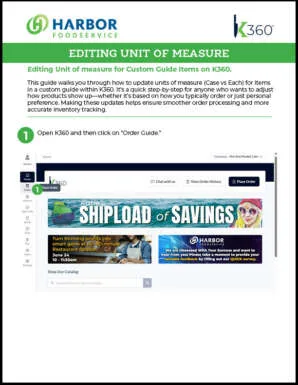
Editing unit of measure
Editing unit of measure for custom guide items on K360.


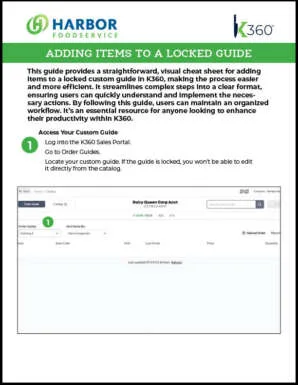
Adding items to a locked guide
Use Excel to add items to a locked guide on K360.
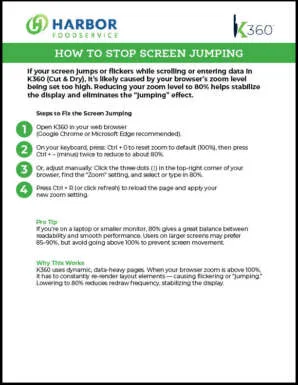
How to Stop Screen Jumping
Stop screen from jumping by controlling your zoom levels
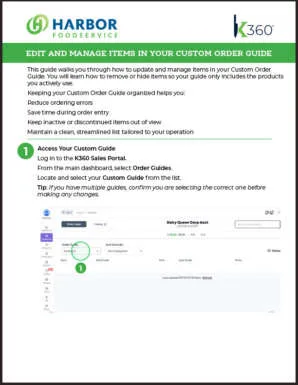
Edit and Manage Custom Items
How to Edit and Manage Items in Your Custom Order Guide


